
Your calendar is empty, your competitors are full, and you don't know why. Frustrating doesn't cover it. The good news: every "no bookings" problem usually traces back to one of ten specific issues, and most of them are fixable in an afternoon — once you know which one applies to you.
Here's the diagnosis, ranked by how often we see each issue cause the problem.
1. Your Title Doesn't Tell Airbnb's Search Algorithm What You Are
Airbnb's search ranks listings partly on how well the title matches what guests type. Titles like "Lovely home" rank for nothing. Titles like "2-Bed Brighton Seafront Apartment with Sea View & Parking" rank for a dozen specific intent searches. If your title is more poetic than descriptive, you're invisible.
2. Your Cover Photo Is Bedroom or Bathroom (Not Living Space)
Research from short-term rental analytics firms consistently finds that living room cover photos out-convert bedrooms by 30–40%. A bedroom signals "sleep place"; a living room signals "stay-here-on-holiday". If your cover photo is anything other than your best living/exterior/view shot, you're losing every comparison.
3. You Have Fewer Than 15 Photos
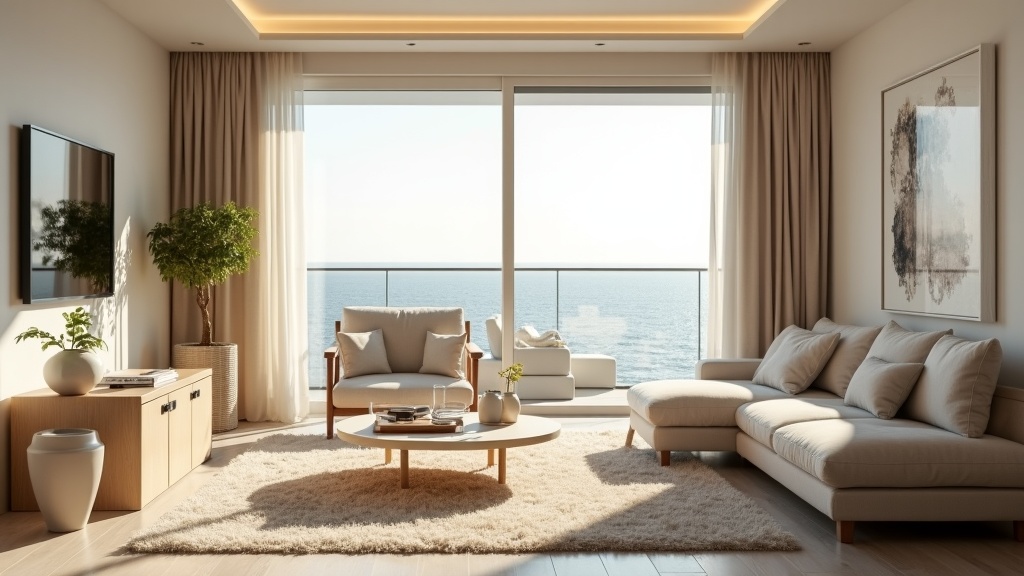
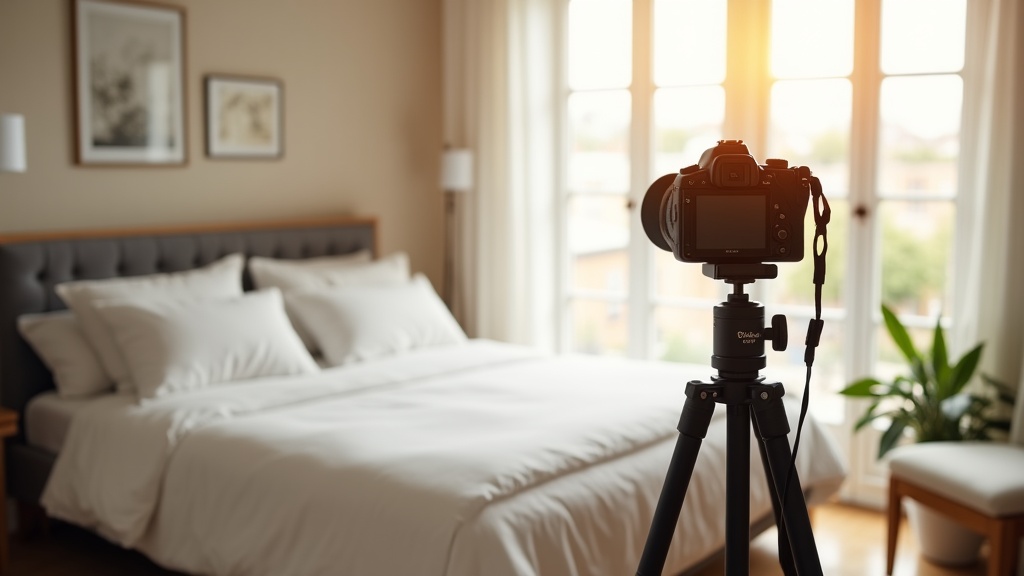
Airbnb's search algorithm rewards listings with 20–30 photos. Under 15 and you're rate-limited in their internal quality score. Add bathroom, kitchen, every bedroom, exterior, neighbourhood, and detail shots.
4. Your Description Buries the Differentiator
Guests skim. If your unique selling point (sea view, hot tub, work-from-home setup, dog-friendly garden) isn't in the first 40 characters, it doesn't exist. Open with the differentiator — paragraph two and three can have the poetic copy.
5. Your Pricing Doesn't Move
Static pricing kills new listings. If you're charging the same on a Tuesday in November as a Saturday in July, you're 30%+ overpriced on Tuesdays and 40%+ underpriced on Saturdays. Either turn on Airbnb's Smart Pricing (with sensible floors) or use a dynamic pricing tool.
6. You're Missing Filterable Amenities
WiFi, washing machine, parking, dedicated workspace, kitchen — these aren't just nice-to-haves, they're the filters guests use to narrow search results. Every amenity you haven't ticked is a search you don't appear in.
7. Your Review Count Is Too Low and It's Compounding
Listings with fewer than 5 reviews get less search exposure, which means fewer bookings, which means fewer reviews — a feedback loop. Break it by aggressively pricing for the first 5 bookings (even at a loss) to build review count, then raise prices back.
8. Your Response Rate Is Sub-90%
Airbnb shows response rate in your sidebar and uses it as a ranking signal. Under 90% and you're being demoted. Set up message templates and turn on notifications.
9. Your House Rules Are Either Missing or Scary
No rules = signals an inexperienced host. Twenty rules with bold-and-caps shouting = signals a host who'll be a nightmare. Three to five clear, friendly rules is the sweet spot.
10. Your Listing Is Just New
Airbnb gives a small new-listing boost for the first few weeks, but real ranking takes time, reviews, and stays. If you've only been live for 30 days, some of "no bookings" is just patience.
How to Find Out Which One Applies to You (Free, 60 Seconds)
You probably read that list and recognised at least three things you do. Most hosts do. The real question is: which one is costing you the most right now?
The fastest free way to find out is the LetGrow free listing score. Paste your Airbnb link, and within 60 seconds you get a 100-point score with a section-by-section breakdown — title, photos, description, pricing, amenities, house rules, response signals — so you can see exactly where you're losing points and which fixes will move the needle most.
Diagnose your listing in 60 seconds →
The Order to Fix Things
Once you have your score, the priority is almost always the same: cover photo → title → first 40 characters of description → amenities → pricing. These are the levers Airbnb's algorithm weights most heavily for search visibility. Fix those, then come back for description, house rules, and response systems.
If your score comes back below 60/100, the issue is usually a combination of cover photo and title — both fixable today, with no spend.
If your score is 60–80, you have a solid listing but you're being beaten on details. Photos, dynamic pricing, and amenity completeness usually unlock the next 20%.
If your score is 80+ and you're still not getting bookings, the issue is almost certainly market saturation or pricing — not your listing.