You've set up your Airbnb listing, published it with pride, and… crickets. Or maybe bookings trickle in, but you're watching neighbours with near-identical flats fill their calendars while yours sits empty. The difference isn't luck — it's the small, fixable details that seasoned UK hosts learn through trial, error, and thousands of pounds in lost revenue.
Here are 11 Airbnb listing tips UK hosts wish they'd discovered before launching — the kind of insights that separate a struggling listing from one that consistently ranks at the top of search results.
1. Your Title Isn't Descriptive Enough (And It's Costing You Clicks)
Most new hosts write titles for themselves, not for Airbnb's search algorithm. 'Cosy Central Flat' tells a guest nothing. Airbnb's search prioritises listings with specific, benefit-rich titles that match what travellers actually type: location landmarks, property type, key amenities, and unique selling points.
A better title for that same flat? 'Stylish 1-Bed Flat Near Manchester Piccadilly – Free Parking & Netflix'. Notice the difference: it includes the landmark (Piccadilly), confirms parking (a major search filter), and adds a comfort detail guests care about.
Action step: Rewrite your title to include your neighbourhood or nearest major landmark, property type, standout amenity, and one guest benefit. Keep it under 50 characters so it doesn't truncate on mobile. If you're unsure where your title sits compared to competitors, LetGrow's free listing score analyses your title alongside local rivals and shows you exactly what's working in your area.
2. You're Not Thinking Like a Filter
Airbnb guests don't browse — they filter. They tick boxes for 'Free parking', 'Self check-in', 'Kitchen', 'Wifi', and 'Washing machine' before they ever see your listing. If you have an amenity but haven't ticked the box, you're invisible to those searches.
One host discovered they'd been missing out on business traveller bookings for months because they hadn't enabled 'Laptop-friendly workspace' — even though they had a desk and chair. Another didn't realise their cafetière counted as a 'Coffee maker' on Airbnb's checklist, so they were losing bookings to filtered searches.
Action step: Go through every single amenity category in your listing editor. If you have it, tick it. A cheap £15 cafetière qualifies as 'Coffee maker'. A desk and chair count as 'Dedicated workspace'. A lockbox or smart lock unlocks 'Self check-in'. These aren't nice-to-haves — they're the difference between appearing in search results or not.
3. Your Hero Photo Isn't Doing Its Job

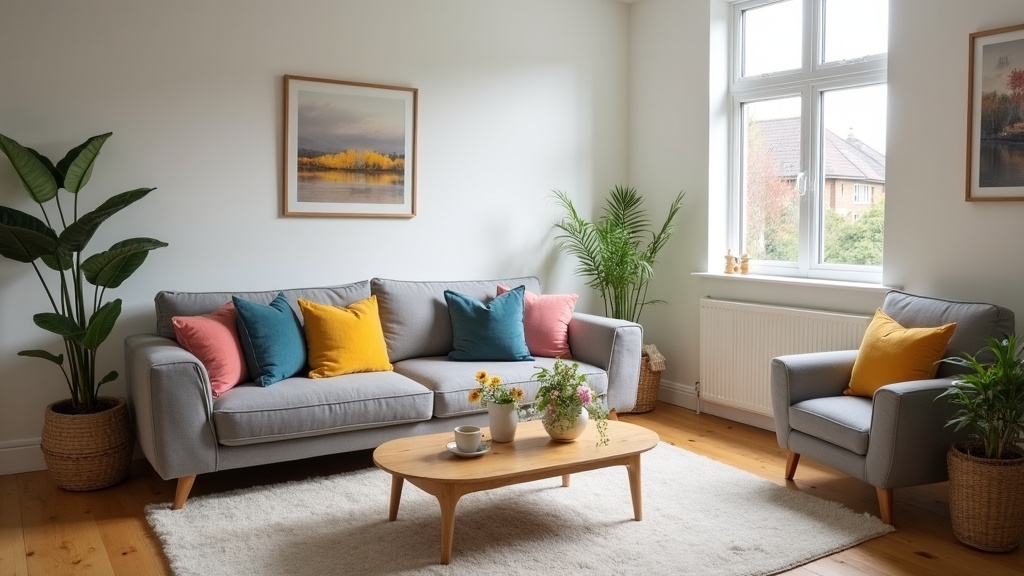
Your first photo has one job: make a scrolling guest stop and click. It's not about showing your favourite corner of the flat — it's about showing the most visually striking, aspirational, widest-angle shot that communicates space, light, and desirability in a thumbnail.
The mistake? Leading with a bedroom or bathroom. These are important, but they rarely win clicks. Living rooms with natural light, wide-angle shots that show flow between rooms, or exterior shots with character (for houses) perform better because they convey space and lifestyle.
Action step: Review your first five photos. Is your hero image the most eye-catching, light-filled, widest shot you have? Does it work as a thumbnail? If not, reorder. And if your photos are dark, cluttered, or taken on a phone in portrait mode, that's your biggest booking leak. Our complete guide to Airbnb listing optimisation walks through exactly how to audit and improve your photo strategy without hiring a pro.
4. You've Buried Your Best Feature in Paragraph Six
Airbnb truncates your description after the first 140 characters in search results. If your best selling point — free parking, garden access, 5-minute walk to the station — is halfway down your description, most guests will never see it.
Your description needs to work in layers: the first two sentences are your 'search snippet' (what appears in results), the first paragraph is for skimmers, and the rest is for guests who are seriously considering booking.
Action step: Move your biggest guest benefit to the opening line. Start with 'Why guests love this place' thinking, not 'Let me tell you about my flat' thinking. Lead with proximity to transport, free parking, a private entrance, or a standout view. Everything else can come later. Want to see how your description compares to top-ranking listings in your area? Get your free Airbnb performance score and see exactly where you stand.
5. Your Pricing Strategy Is 'Set It and Forget It'
Static pricing is leaving money on the table. A flat-rate price means you're either undercharging on high-demand weekends (losing revenue) or overpriced on quiet weekdays (losing bookings). Airbnb's algorithm rewards listings that stay booked, so pricing too high and sitting empty actively harms your ranking.
The hosts who consistently fill their calendars use dynamic pricing: higher rates for Friday/Saturday, lower rates for Sunday-Thursday, discounts for longer stays, and seasonal adjustments for local events, school holidays, and weather patterns.
Action step: Check your calendar for the next three months. Are your weekend rates the same as weekday rates? Are you offering weekly discounts? If not, start with a 15-20% weekend uplift and a 10% discount for stays over seven nights. If pricing feels overwhelming, LetGrow analyses your local market and suggests competitive rates based on real occupancy data, not guesswork.
6. You're Ignoring Airbnb's Search Ranking Signals
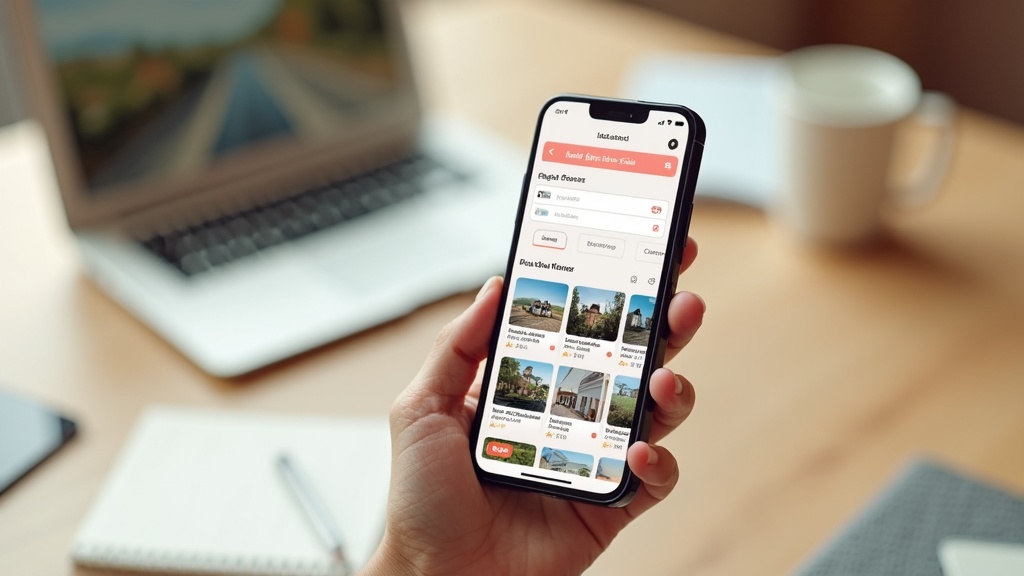
Airbnb doesn't rank listings randomly — it's an algorithm optimising for guest satisfaction and platform revenue. The listings that rank highest aren't always the nicest properties; they're the ones that signal reliability, responsiveness, and booking likelihood to Airbnb's system.
Key ranking factors UK hosts often miss: response rate (aim for 100% within an hour), acceptance rate (declining too many requests hurts you), calendar accuracy (frequent cancellations or blocked dates look bad), and recent bookings (momentum matters — Airbnb rewards listings that are already popular).
Action step: Check your host dashboard for response time, acceptance rate, and cancellation rate. If any of these are flagged, prioritise fixing them. Enable instant book if you're comfortable — it's one of the strongest ranking signals you can send. For a full breakdown of how Airbnb's UK search algorithm works and what actually moves the needle, read our guide to why your Airbnb isn't showing up in search.
7. You're Not Testing Your Own Listing (And It Shows)
When was the last time you searched for your own listing as a guest? Most hosts never do — and miss obvious problems. Your title might truncate awkwardly. Your description might cut off mid-sentence in mobile search. Your photos might look washed out compared to competitors. Your price might be wildly out of step with similar properties.
Testing your listing in search (logged out, in an incognito window) shows you what guests actually see — and how you compare to the competition.
Action step: Open an incognito browser window and search Airbnb for your location with your target dates. Where does your listing appear? How does it look next to others in the same price range? What makes you want to click on a competitor's listing instead of yours? This five-minute exercise often reveals more than hours of tweaking in the editor.
8. Your Check-In Process Is Costing You Reviews
Guests decide whether they'll leave a five-star review within the first 30 minutes of arrival. A clunky check-in — unclear instructions, a lockbox that sticks, no welcome message, confusion about parking — sets a negative tone that's hard to recover from.
The best UK hosts treat check-in like onboarding: a step-by-step, foolproof process that makes a guest feel looked after before they've even unlocked the door. This means a detailed message sent 24 hours before arrival with parking instructions, entry codes, wifi password, and what to do if something goes wrong.
Action step: Write a check-in message as if you're guiding someone who's never been to your city, is arriving in the dark, and is slightly stressed. Include a photo of the front door (so they know they're in the right place), specific parking instructions ('park in any unmarked bay — avoid bays 1-4'), and your mobile number for genuine emergencies. A smooth check-in is your first five-star review builder.
9. You're Not Using Instant Book (And It's Holding You Back)
Instant Book listings get a ranking boost and a visual badge in search results. Airbnb openly prioritises them because they convert better — guests can book without waiting for approval, which means less abandoned searches and more revenue for Airbnb.
Many UK hosts avoid Instant Book because they worry about problem guests. But you can still require guests to have a verified ID and positive reviews, and you can turn it off for specific dates if needed. The ranking advantage and conversion uplift usually outweigh the risks.
Action step: Go to your listing settings and enable Instant Book with the requirement that guests have 'verified government ID and positive reviews from other hosts'. Monitor it for a month. If you see a meaningful increase in bookings without a drop in guest quality, keep it on. If you're unsure whether Instant Book is right for your listing type, LetGrow's £9 digital guidebook includes a decision framework based on your property and local market.
10. You're Not Asking for Reviews (So You're Not Getting Them)
Only about 50% of guests leave reviews without prompting. That means half your five-star experiences are going undocumented — and every missing review is a missed ranking boost and a credibility gap for future guests.
The hosts with 50+ glowing reviews aren't just luckier — they ask. A polite, well-timed message after checkout doubles your review rate.
Action step: Send a message on checkout day or the day after: 'Thank you for staying! I hope you enjoyed [specific detail — the neighbourhood, the workspace, the extra coffee]. If you have a moment, I'd be so grateful for a review — it makes a huge difference for a small host like me. Safe travels!' Make it personal, specific, and short. Never incentivise reviews (it's against Airbnb's terms), but always make it easy.
11. You're Comparing Yourself to the Wrong Listings
Most hosts look at the fanciest, highest-priced listings in their area and feel discouraged. But those aren't your competition — they're targeting a different guest segment. Your real competitors are the listings at your price point, in your neighbourhood, with your property type, that are beating you in search results.
Understanding who you're actually competing with (and what they're doing better) is the fastest way to identify fixable gaps in your listing.
Action step: Search Airbnb for your location and dates, filter to your property type and price range, and study the top five results. What are their titles highlighting? Which photos do they lead with? What amenities do they emphasise? What's in their descriptions that isn't in yours? This is your competitive audit — and it costs nothing but 20 minutes of focused attention. If you'd like a structured analysis of how your listing stacks up, LetGrow's free score tool runs this comparison automatically and shows you exactly where you're losing ground.
FAQ: Airbnb Listing Tips UK Hosts Ask Most
How do I make my Airbnb listing stand out in the UK?
Focus on your title (include location landmarks and key amenities), lead with your best photo (wide-angle, light-filled, aspirational), and make sure every amenity you offer is ticked in your listing editor. Airbnb's search is filter-driven, so visibility starts with accurate, complete amenity tagging.
What's the biggest mistake new Airbnb hosts make?
Writing a listing for themselves, not for Airbnb's search algorithm and guest filters. A vague title, missing amenity checkboxes, and burying key benefits in the description are the three most common mistakes that quietly cost bookings.
Should I enable Instant Book on my Airbnb?
Yes, in most cases. Instant Book listings get a ranking boost and a badge in search results. You can still require verified ID and positive reviews, and the conversion uplift usually outweighs the risks. Test it for a month and measure the impact.
How important are photos for Airbnb bookings?
Critical. Your first photo determines whether a guest clicks or scrolls past. The first five photos decide whether they keep reading or back out. Invest time in getting wide-angle, well-lit, decluttered shots — it's the single highest-return improvement you can make.
How often should I change my Airbnb pricing?
At minimum, adjust for weekends vs weekdays and offer discounts for longer stays. Ideally, review pricing monthly and adjust for local events, school holidays, and seasonal demand. Static pricing leaves money on the table or costs you bookings.
What's a good Airbnb listing score?
Airbnb doesn't publish an official 'listing score', but third-party tools like LetGrow score listings on title quality, photo optimisation, amenity completeness, pricing competitiveness, and description strength. A score above 75/100 is solid; above 85 is excellent. Anything below 65 suggests fixable gaps that are likely costing you bookings. Learn more about what makes a good Airbnb listing score.
Final Thoughts: Small Changes, Big Impact
The difference between a listing that struggles and one that consistently ranks at the top of UK search results isn't a bigger budget or a fancier property — it's dozens of small, strategic decisions that compound over time. A better title. A reordered photo. A ticked amenity box. A dynamic pricing strategy. A smoother check-in. These aren't glamorous, but they're what separate hosts who treat Airbnb like a side hobby from those who treat it like a business.
Ready to see how your listing measures up? Get your free Airbnb listing score at LetGrow — we'll analyse your title, photos, pricing, and amenities, and show you exactly what's holding you back.